
NotchOwl
Week 39, 2026Premium PlusTasks, focus & notes in your Mac’s notch
10
upvotes
Cover
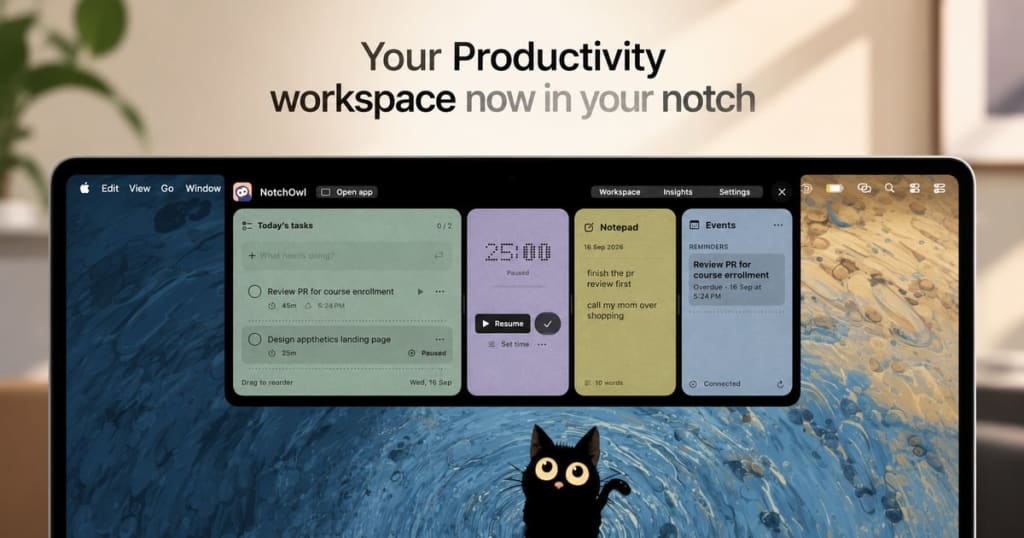
Gallery
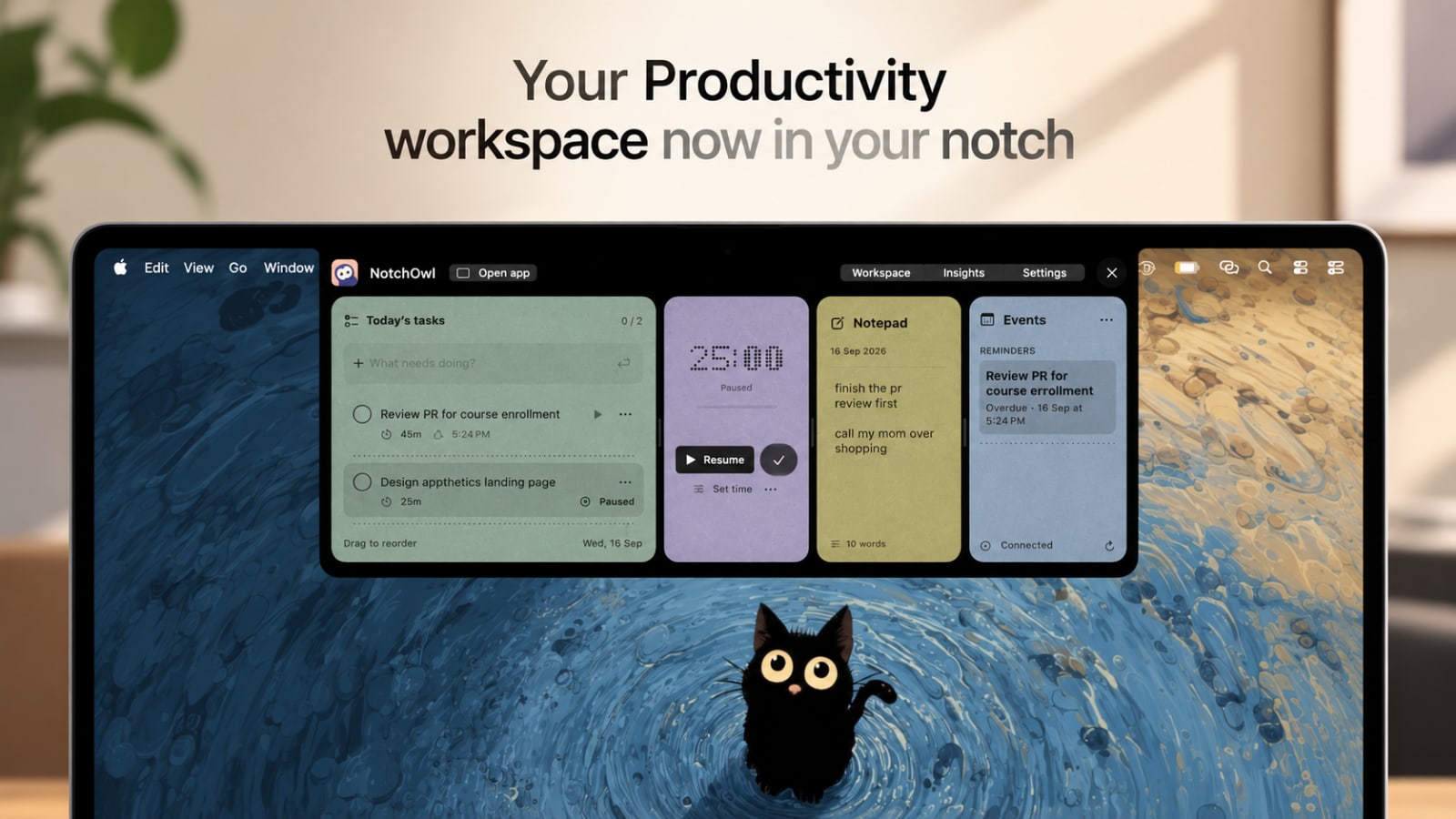
Demo video
About NotchOwl
Overview
- Who
- Mac users looking for productivity tools who want quick access to tasks and notes without cluttering their desktop.
- Problem
- Constantly switching between apps to check tasks and notes disrupts focus. Traditional task management tools take up dedicated window space or get lost behind open IDEs, browsers, and terminals.
- Solution
- By integrating tasks, notes, and a focus timer into your Mac's notch, NotchOwl allows you to stay organized and focused on your work. You can quickly jot down ideas, track tasks, and visualize your productivity without losing sight of your current task. Everything is just one mouse hover away.
- Unique
- NotchOwl uniquely leverages the Mac's hardware notch to provide a dedicated, non-intrusive space for productivity tools, minimizing distractions and maximizing focus. Its one-time purchase model ($4.9) contrasts with subscription-based competitors, making it a cost-effective choice for users.
Use cases
FAQ
NotchOwl integrates into your workflow by providing easy access to tasks and notes at the top of your screen. It stays out of your way until you hover over the notch area.
Yes, you can set custom focus durations for any task directly from the settings panel.
Absolutely, just press Command–Return (⌘+Enter) to convert any line in your notes into an actionable task item.
No, but the app is designed to optimize the notch feature for better accessibility. On Macs without a physical notch, NotchOwl sits subtly in the top-center menu bar area.
NotchOwl integrates securely with Apple Calendar using native EventKit permissions to display your upcoming events and alert you before meetings.
Yes, you can use NotchOwl completely offline. All tasks, notes, and timers are stored locally on your Mac with zero cloud telemetry.
The license includes all current and future features, lifetime updates, and simultaneous activation on up to three Macs.
Downloading the app is free to try, but a lifetime license key is needed for unlimited full access.
Yes, you can easily deactivate your license on one Mac and transfer it to another.
If NotchOwl isn't right for you, request a refund within 14 days of purchase for a 100% full refund.
Built by

Discussion (1)
Sign in to join the discussion and support this launch.
- ASakshay sharma· Sep 22
its nice
Similar products
Curated tools to boost your productivity and streamline solo founder workflows.
Lightweight CRM that lives directly inside Telegram for fast deal management.
Discover, version, and benchmark prompts across GPT-4o, Claude 3.5, and Gemini.