You'll get people visiting your site via your launch board and social posts. You won't really get any traffic from Google initially. No organisation can guarantee you'll get your site ranked.
Google themselves state that "There are no secrets here that'll automatically rank your site first in Google (sorry!)." As well as this the SEO Starter Guide states that "Some changes might take effect in a few hours, others could take several months. In general, you likely want to wait a few weeks to assess whether your work had beneficial effects in Google Search results."
But we can optimise our site by ensuring we aren't doing anything that would cause Google to slow down, and ensuring each important page is only answering one search query. Both of these points are covered within this guide and references to Google's documentation.
We run a weekly launch board at PeekLaunch (peeklaunch.com). We mention this below as a way of getting early visitors and feedback while search catches up, not as a way to rank. Details checked 13 November 2026 (IST).
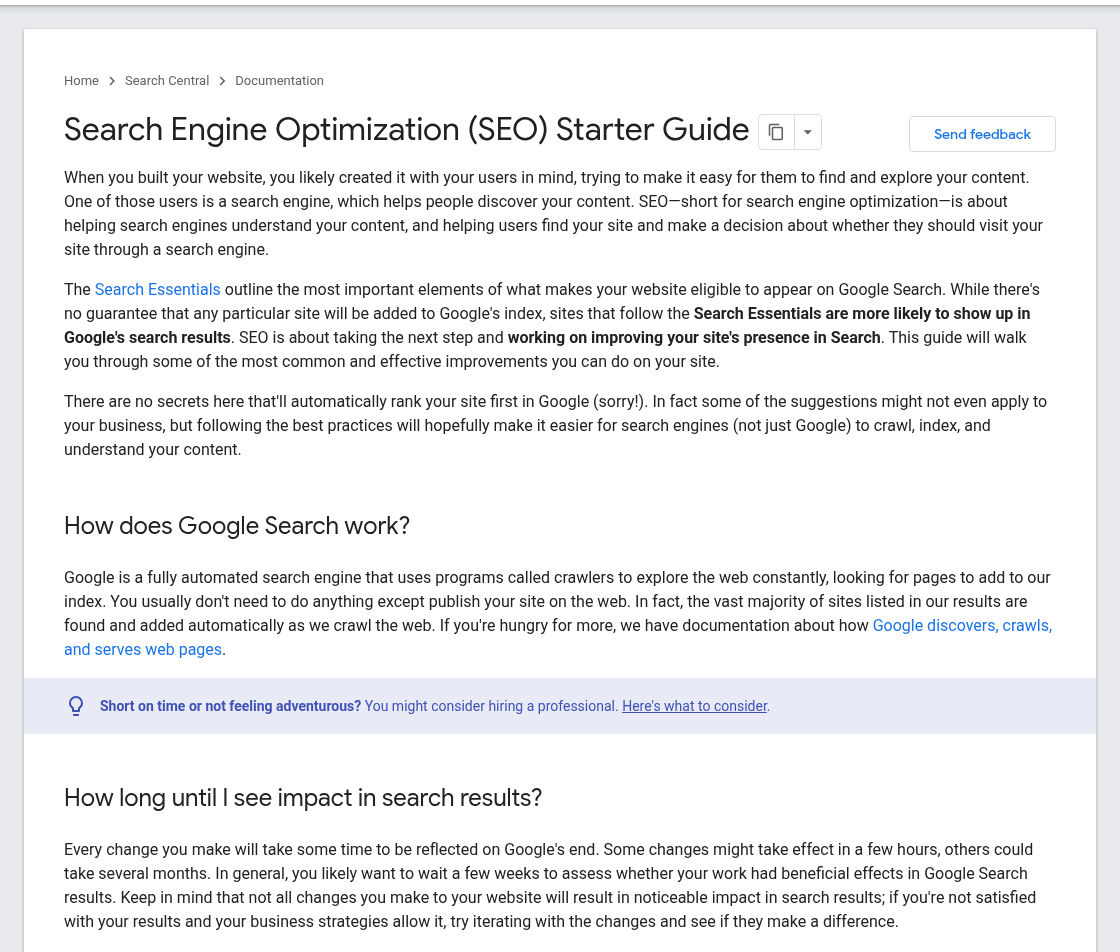
Google Search Central, SEO Starter Guide, captured 13 November 2026 (IST). Source: Google Search Central.
Launch-week traffic is not a Google ranking
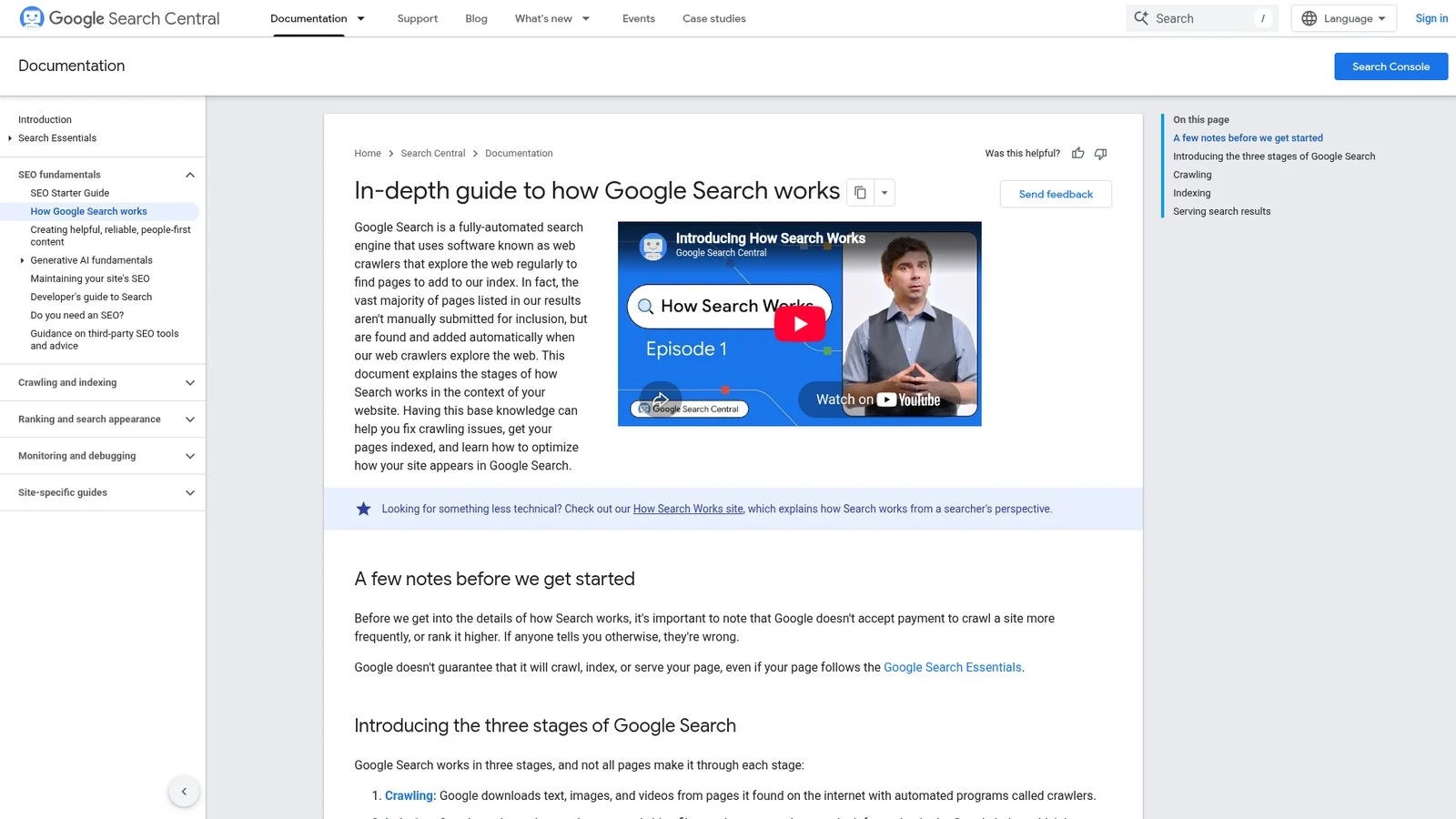
Traffic from your launch board, newsletter or social post won't help you rank on Google. This is because traffic is generated from people clicking on your listing. Google have a guide on how they work and explain that there are 3 steps to Google Search: Crawling, Indexing and Serving. Google also explain that "Indexing isn't guaranteed; not every page that Google processes will be indexed."
This does not provide any information regarding whether your pages have been indexed and what for. To find out you can use Search Console. You can perform a quick search using site:yourdomain.com although the Get on Google page says it "doesn't necessarily return all the URLs that are indexed."
You won't get any improvement by paying money. Google's site position FAQ asks "Does buying ads improve my search ranking?" and answers "No." According to their How Search Works guide "Google doesn't accept payment to crawl a site more frequently, or rank it higher.
If anyone tells you otherwise, they're wrong." Whilst you may get some traffic if you pay for exposure, you won't be improving your position on Google.
What launch sites are good for while you wait
Launches do provide early traffic, comments and feedback. Some may even write about you or link to you later. Google's Starter Guide says "Effectively promoting your new content will lead to faster discovery by those who are interested in the same subject, and also by search engines." Search Essentials puts it as "Tell people about your site." The Starter Guide also warns that "you can overdo promoting your site and actually harm it."
PeekLaunch is one such site. It is a weekly board with 25 free spots each week (pricing, checked 13 November 2026). Free listings verify a PeekLaunch badge before launch.
Each product will also have a public page which will include upvotes and comments from makers. Treat it, like any launch board, as a source of people and feedback. For info on the visit links please see Do Launch Sites Give Dofollow Links?.
Make sure Google can find and index your important pages
First up, utilise Google's Search Console to see how they currently appear. This can be done using the URL Inspection tool which shows if your page is being indexed. You can click "Inspect a live URL," and see how the page appears when rendered. Google's help page notes "There is a daily limit of inspection requests."
Secondly, ensure the technical requirements are met. To meet Google's requirements Googlebot needs to be able to crawl the page (no block), the page needs to return a HTTP 200 response and there must be indexable content. Common issues can include:
A noindex tag remaining from staging on a page you want found.
A robots.txt file with rules that blocks Googlebot from crawling, copied across from staging.
A canonical tag pointing to another URL.
Marketing pages that require logging in.
However, Google do note that "Just because a page meets these requirements doesn't mean that a page will be indexed; indexing isn't guaranteed."
If your marketing site uses JavaScript, Google will render your pages "using a recent version of Chrome," and the Starter Guide says Google should "ideally see the page the same way an average user does." The rendered page can also be viewed in the URL Inspection tool to ensure you have text and links.
Google's sitemap overview says you might need one if "Your site is new and has few external links to it," and might not if your site is small ("about 500 pages or fewer") and "comprehensively linked internally." It adds that a sitemap "doesn't guarantee that all the items in your sitemap will be crawled and indexed," and the build guide states that submitting a sitemap is "merely a hint." Submit it in Search Console.
If there are just a few new or updated URLs then you can use the Request indexing option within URL Inspection. Google's recrawl page says "Crawling can take anywhere from a few days to a few weeks" and "Requesting a crawl does not guarantee that inclusion in search results will happen instantly or even at all." There's a quota, and "requesting a recrawl multiple times for the same URL won't get it crawled any faster."
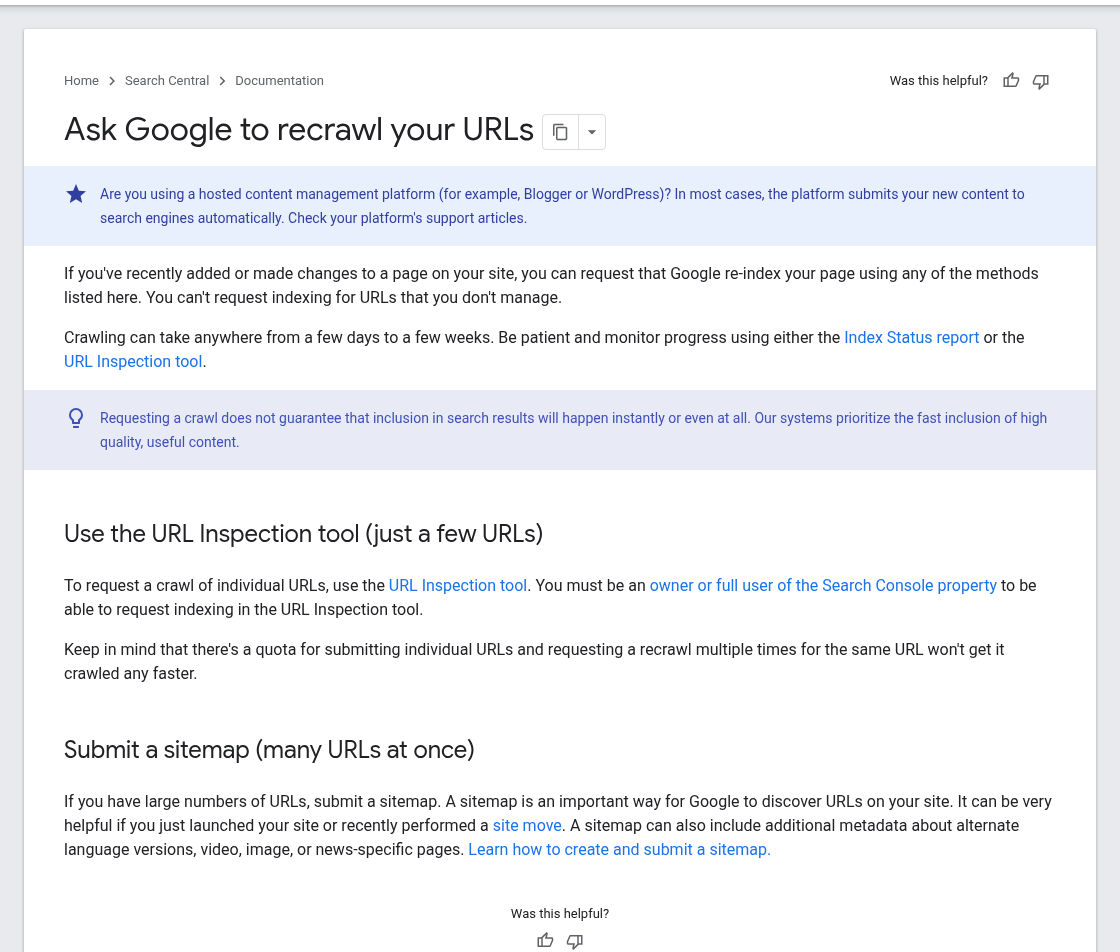
Google Search Central, Ask Google to recrawl your URLs, captured 13 November 2026 (IST). Source: Google Search Central.
Which pages count as "important" for a SaaS
This will usually be your homepage, pricing page, core feature or use-case pages, and documentation or help pages which people search for, plus any comparison page you can write fairly. You shouldn't include your app dashboards or staging copies. Google's instruction for that is "To instruct Google not to index a page, use noindex and allow Google to crawl the URL."
Give each page one clear search to answer
Google's Starter Guide says "Think about the words that a user might search for to find a piece of your content." Search Essentials adds: "Use words that people would use to look for your content, and place those words in prominent locations on the page, such as the title and main heading." Don't overdo it. The Starter Guide says keyword stuffing "is against Google's spam policies."
For a new site, specifically targeting a problem being solved by your product rather than a general category will often give you the best results. This is because the page can provide a complete answer and your audience will be more relevant. Ahrefs recommend looking at existing pages that are ranking for this content type, format and angle.
Only have one page per search. Google clusters similar content together and will only show one canonical page, "the page that may be shown in search results." This means you could have two very similar feature pages trying to rank for the same spot.
Write the page people were searching for
The Starter Guide says "Creating content that people find compelling and useful will likely influence your website's presence in search results more than any of the other suggestions in this guide."
Would your content make someone "leave feeling they've learned enough about a topic to help achieve their goal"? Does your content show "first-hand expertise and a depth of knowledge"? You should not be looking for content of a certain length.
Google asks "Are you writing to a particular word count because you've heard or read that Google has a preferred word count? (No, we don't.)" Are you changing dates on pages to make them look fresh? Would adding/removing large amounts of content to make your site look fresh help? "(No, it won't)."
You can show how your product works by including your own screenshots, setup instructions and limitations.
Link your own pages so Google and visitors can follow them
Google recommend "Generally, Google can only crawl your link if it's an <a> HTML element (also known as anchor element) with an href attribute." They also say that "Most links in other formats won't be parsed and extracted by Google's crawlers." These link types could be created via buttons or scripts.
Every new page should have links to it from other pages that are already known to be crawled by Google (home, nav, pricing, docs hub). As per The Starter Guide "Google primarily finds pages through links from other pages it already crawled." Try to use descriptive anchor text. Google recommend "Good anchor text is descriptive, reasonably concise, and relevant to the page that it's on and to the page it links to."
If your site is small and "comprehensively linked internally", you may not need a sitemap at all. (Google sitemap guidelines)
Backlinks help Google find and weigh you, but they aren't a shortcut
Backlinks will help with discovery however link analysis still plays a role. Google's ranking systems guide says PageRank "continues to be part of our core ranking systems." However as per The Starter Guide "there's much more to Google Search than just links. We have many ranking signals, and PageRank is just one of those."
Purchasing links is the shortcut that can cost the most. Google's spam policies list "Buying or selling links for ranking purposes" as link spam. You should not purchase links from sites either. The Get on Google page states that you shouldn't pay websites to link to you as "that could be considered a violation of Google's spam policies."
Domain Rating will be referred to. This is a metric from Ahrefs, not Google. In March 2024 Google said that third-party "reputation" or "authority" scores "don't correspond to any of Google's own signals nor come from Google." You can learn more about what DR means and what affects it here: How to Increase Domain Rating for a New SaaS.
Links from launch sites may or may not be followed, so check the live link before you count it (our dofollow guide shows how). However, a listing link doesn't rank a page for a keyword.
What to check after a few weeks
As Google suggest, after a few weeks it's worth checking your site within your Search Console. Look at whether your key pages are being indexed. Which search terms are showing impressions and which pages are showing nothing.
If your page is being indexed but not shown, Google's How Search Works guide lists possible reasons: "The content on the page is irrelevant to users' queries," "The quality of the content is low," or robots meta rules prevent serving. These can be fixed by improving the page itself, not by adding more backlinks.
Use your launch channels to bring people and feedback to your site whilst Google catch up.